
ID Photo Upload Process
FROM A COMPUTER:
-
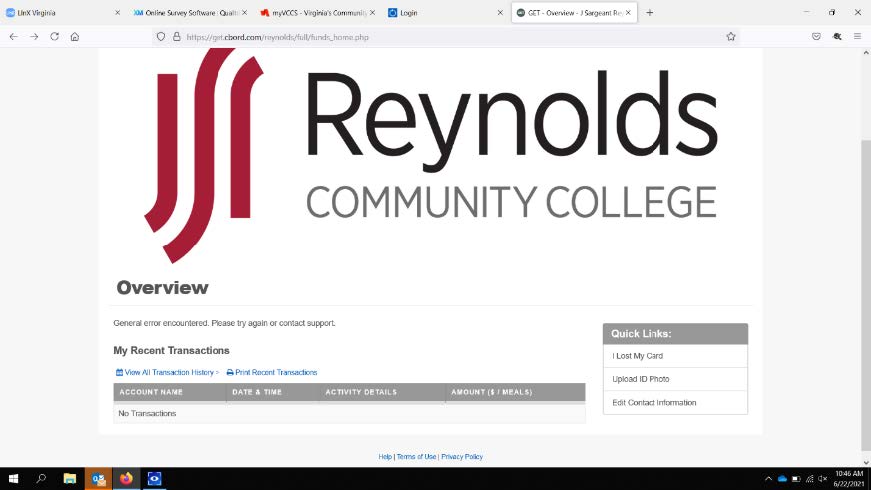
Use the link https://get.cbord.com/reynolds to log into your account.
-
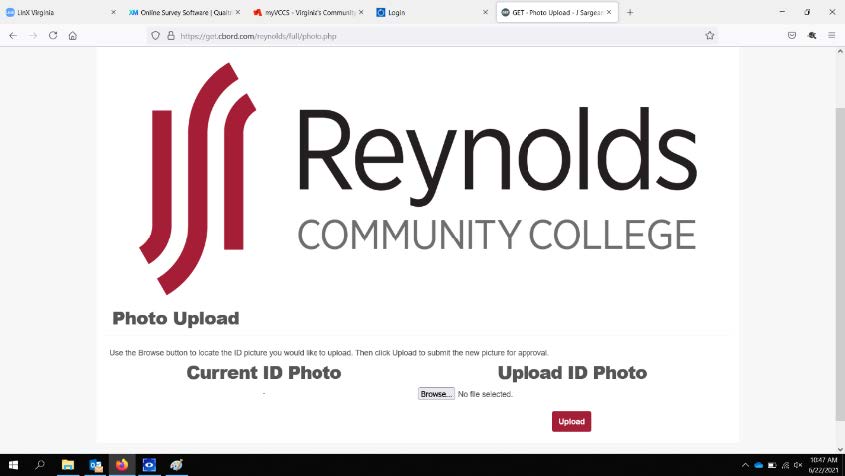
Click the "Upload ID Photo" link under Quick links.
-
Upload a photo from a file or take a photo using an integrated camera or a camera connected to your computer via USB.
-
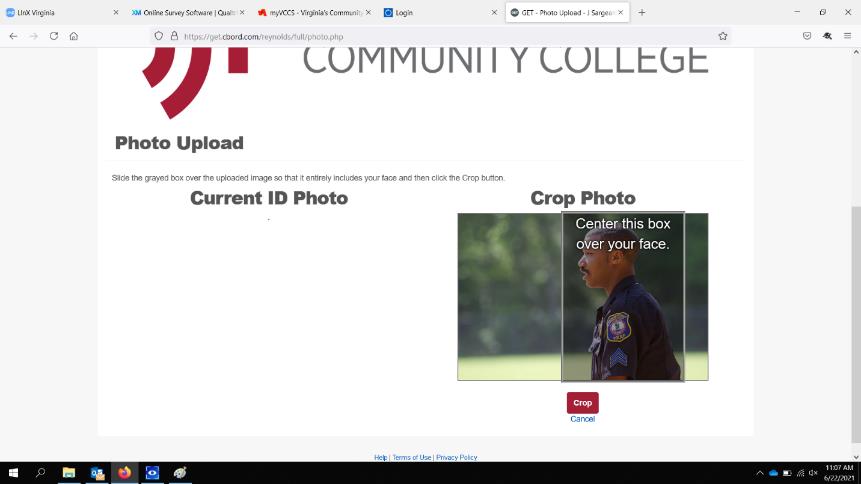
Crop your photo by dragging the box over your photo.
-
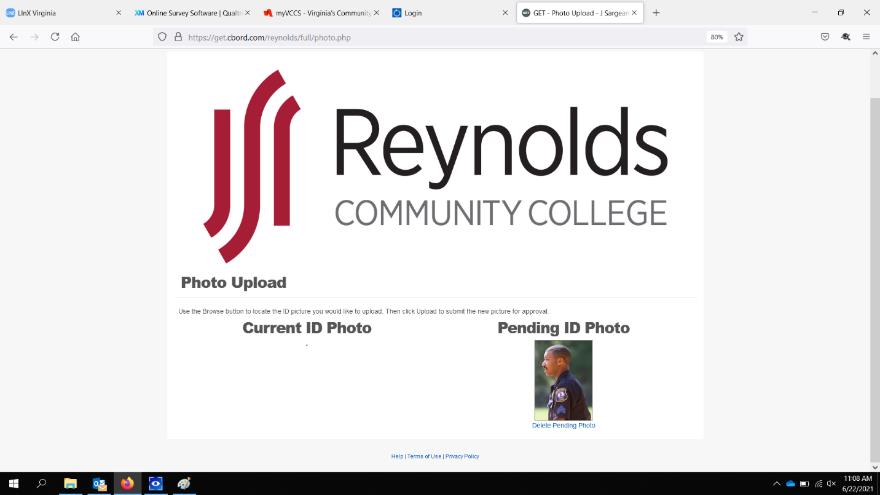
Upload your photo for approval.
-
Schedule your ReynoldsID appointment with Reynolds Community College Department of Police to pick up your ReynoldsID.
MOBILE PROCESS
-
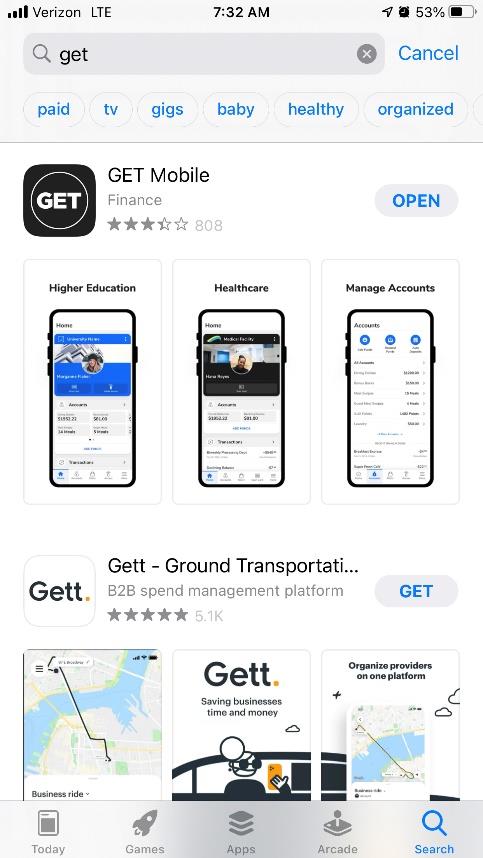
Download "Get" mobile from the Apple App Store or the Google Play Store
-
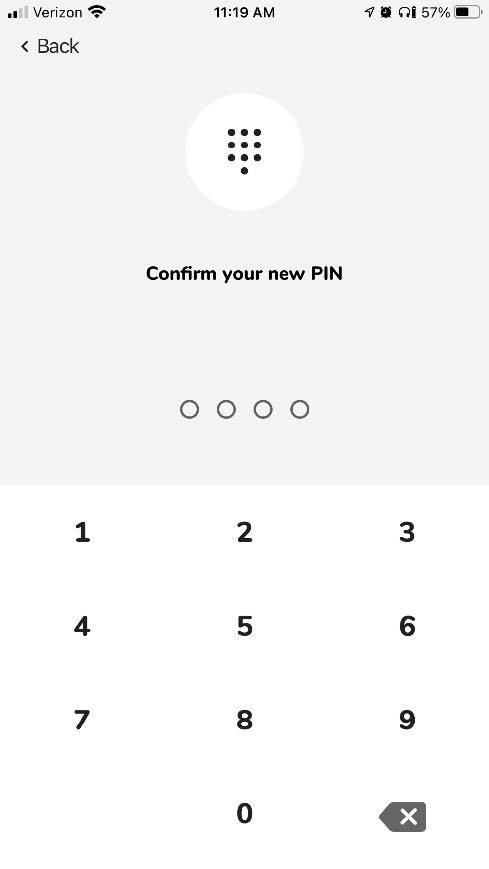
Access your account with your VCCS credentials and create a pin number.
-
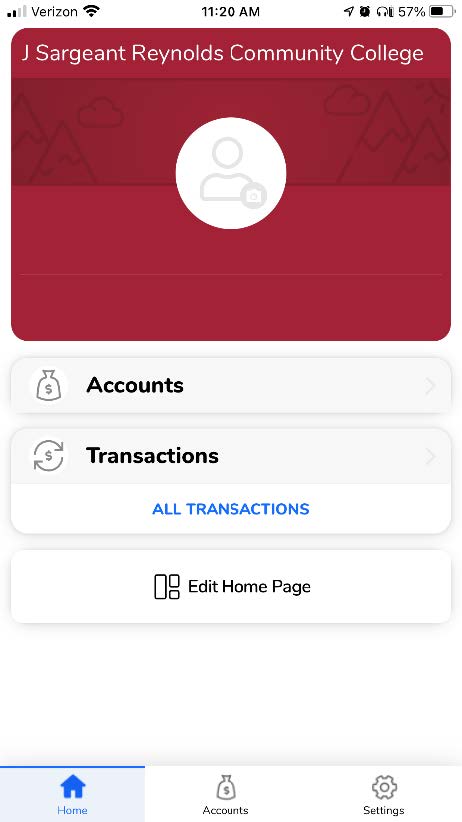
Access "Settings" from the "Home" Screen.
-
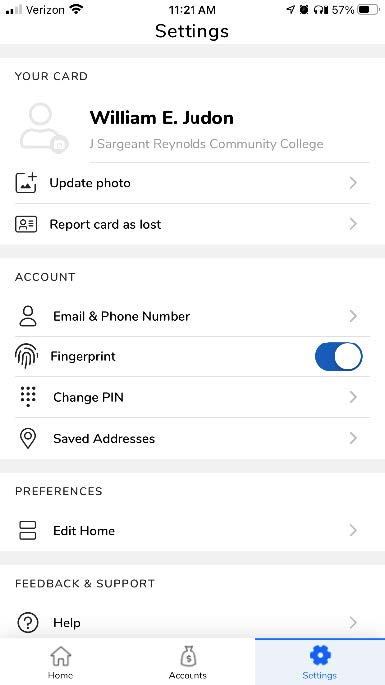
To upload a photo image, tap "Update Photo" and follow the prompts to submit your ReynoldsID photo for review.
-
Schedule your ReynoldsID appointment with Reynolds Community College Department of Police to pick up your ReynoldsID.